Support
We're here to help. Let us know what's going on and we'll get back to you.
Before you reach out
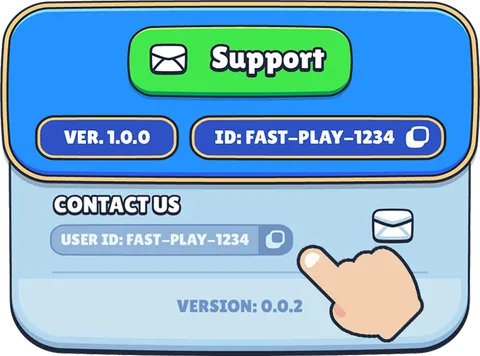
To help us resolve your issue faster, please include your User ID and game version in your message. Both are visible on the loading screen and in the settings window:
- • User ID — also shown as “ID.” Tap the copy button to copy it.
- • Version — visible on the loading screen and found at the bottom of the Settings window.